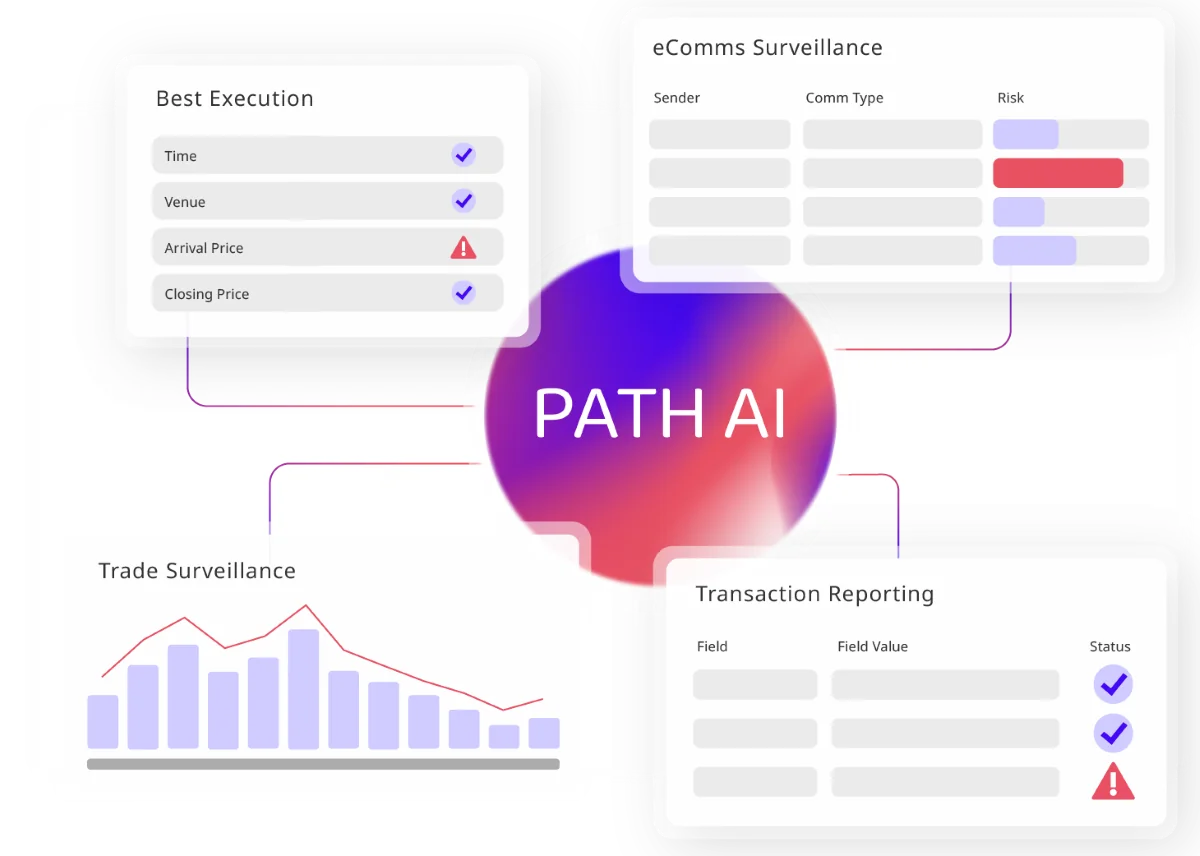
This demo covers the Trade Surveillance platform by eflow, showing alert management, sandbox testing, AI-assisted analysis, and parameter configuration for reducing false positives.
The Trade Surveillance dashboard displays all alerts segmented by model and asset class. Alerts can be opened by workbasket, for example Insider Trading alerts for Equities. Within a workbasket, alerts can be sorted and filtered using any column header, including by ISIN to view all alerts related to a specific instrument.
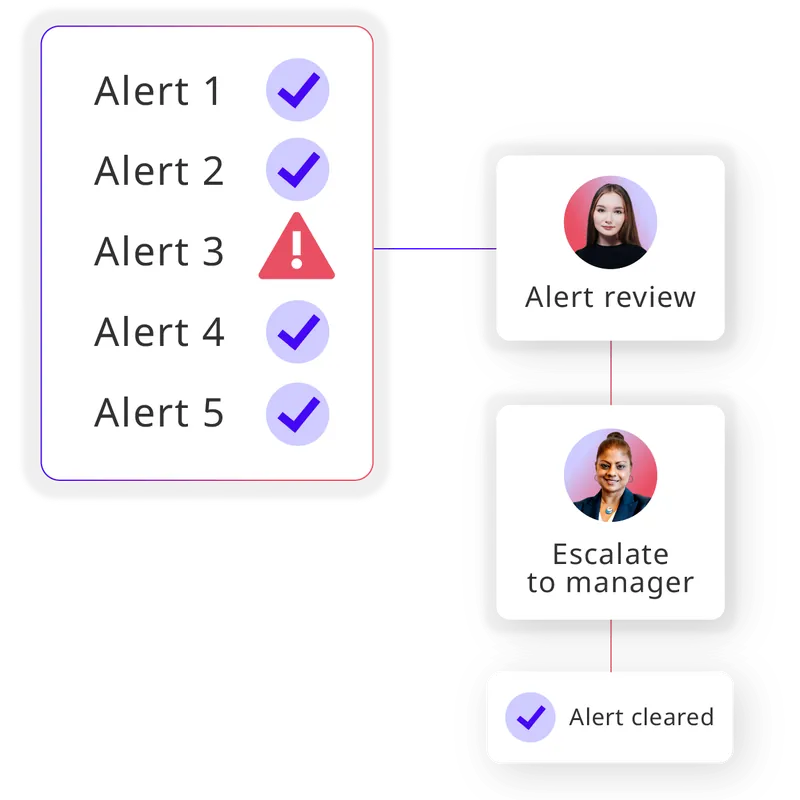
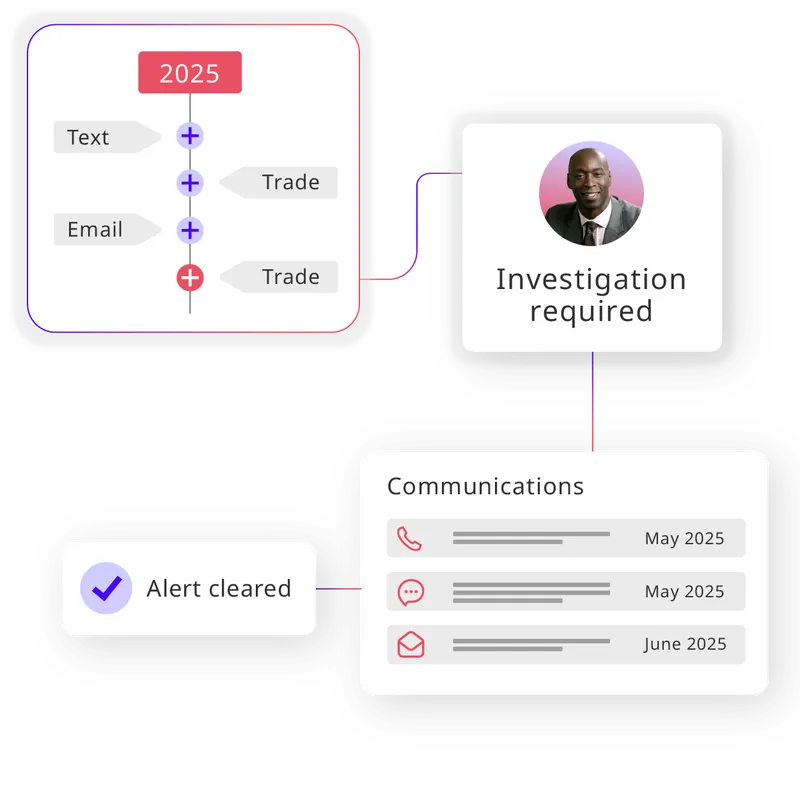
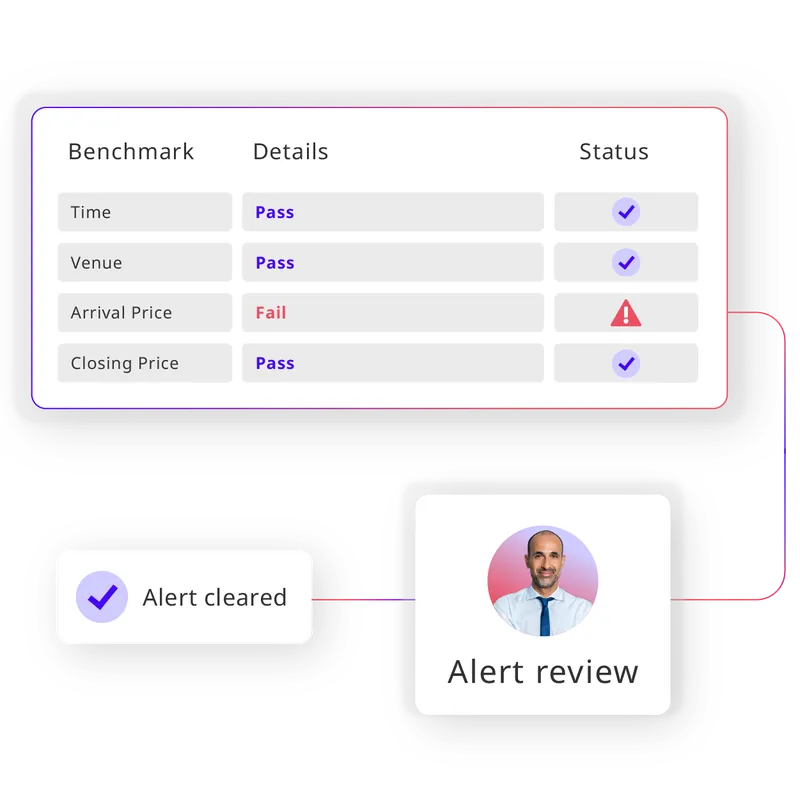
The alert view provides a detailed breakdown including a high-level summary, infringing entities, infringing instrument information, test parameters used to capture the alert, and all infringing records. Certain fields contain hyperlinks that allow drill-down into information on specific traders, counterparties, or instruments. A graph maps trade data against news items and market data, with hover tooltips for additional context. A case management section at the bottom of the alert view allows users to add notes, add relevant links, categorize alerts using customizable categories, escalate alerts to team members, and close or process alerts.
The eflow Sandbox allows users to test and refine platform configurations using historical data without affecting the live system. From the Sandbox Initiation screen, users select an asset class, set a date range, and optionally filter by a subset of data such as a specific trader. After initiating a run, users navigate to Alert Selection and Parameters in Settings to modify test parameters, for example Wash Trading parameters, for as many alert types as needed. Results are viewed in the Sandbox workbasket and include a comparison table between original and sandbox alert parameters. Expandable dropdowns show a breakdown of all alerts impacted by the parameter changes, including alerts generated in the sandbox that were not present in the production system. If satisfied with the results, users can promote all parameter changes directly to the live production system using the Export Parameters to Production option.
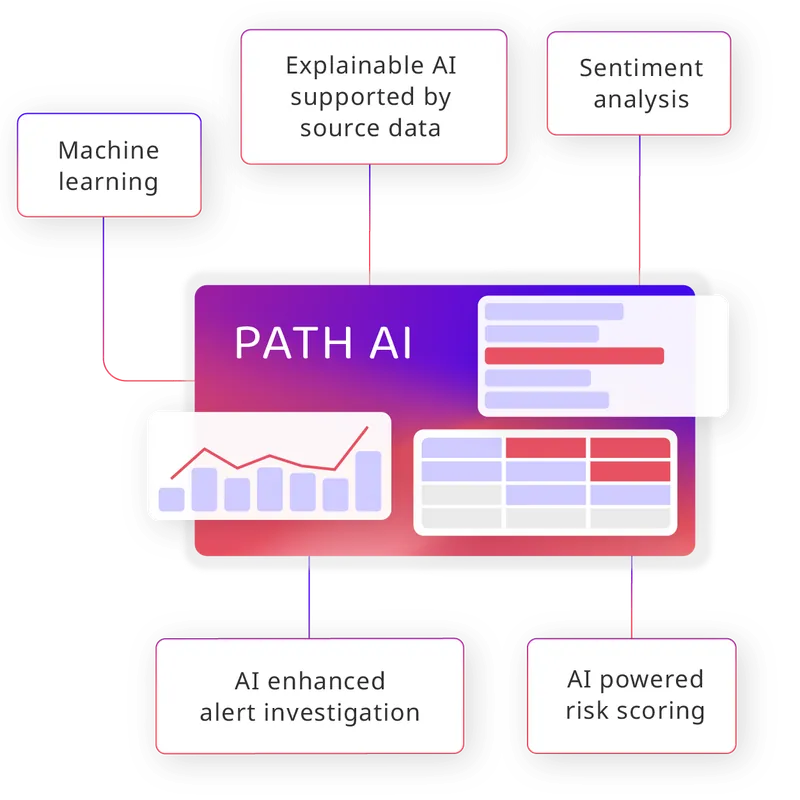
PATH AI Analyst is a chat-based assistant for compliance teams. Users enter plain English prompts in the chat window to query the surveillance system. It can return all alerts generated by a specific trader, segmented by model and date. It can summarize alerts by category, including traded instruments and an interpretation of activity. It can identify false positive candidates with detailed reasoning and an overall conclusion. It can suggest specific parameter changes per alert type to reduce false positives and provide a recommended implementation plan. The session can be closed and recorded in the audit trail.
Parameter configuration is available both statically and dynamically within the system. On the alert view, an Instrument Stats table displays instrument volatility and volume, which can be used as the basis for dynamic parameter adjustment. In Settings under Alert Selection and Parameters, individual alert types such as Insider Trading can be enabled or disabled, and parameters can be edited directly. Conditional parameters can be configured to apply different parameter values based on conditions such as trading volume and liquidity, using configurable bands. A historical log of all parameter changes is available to support audit trail requirements.